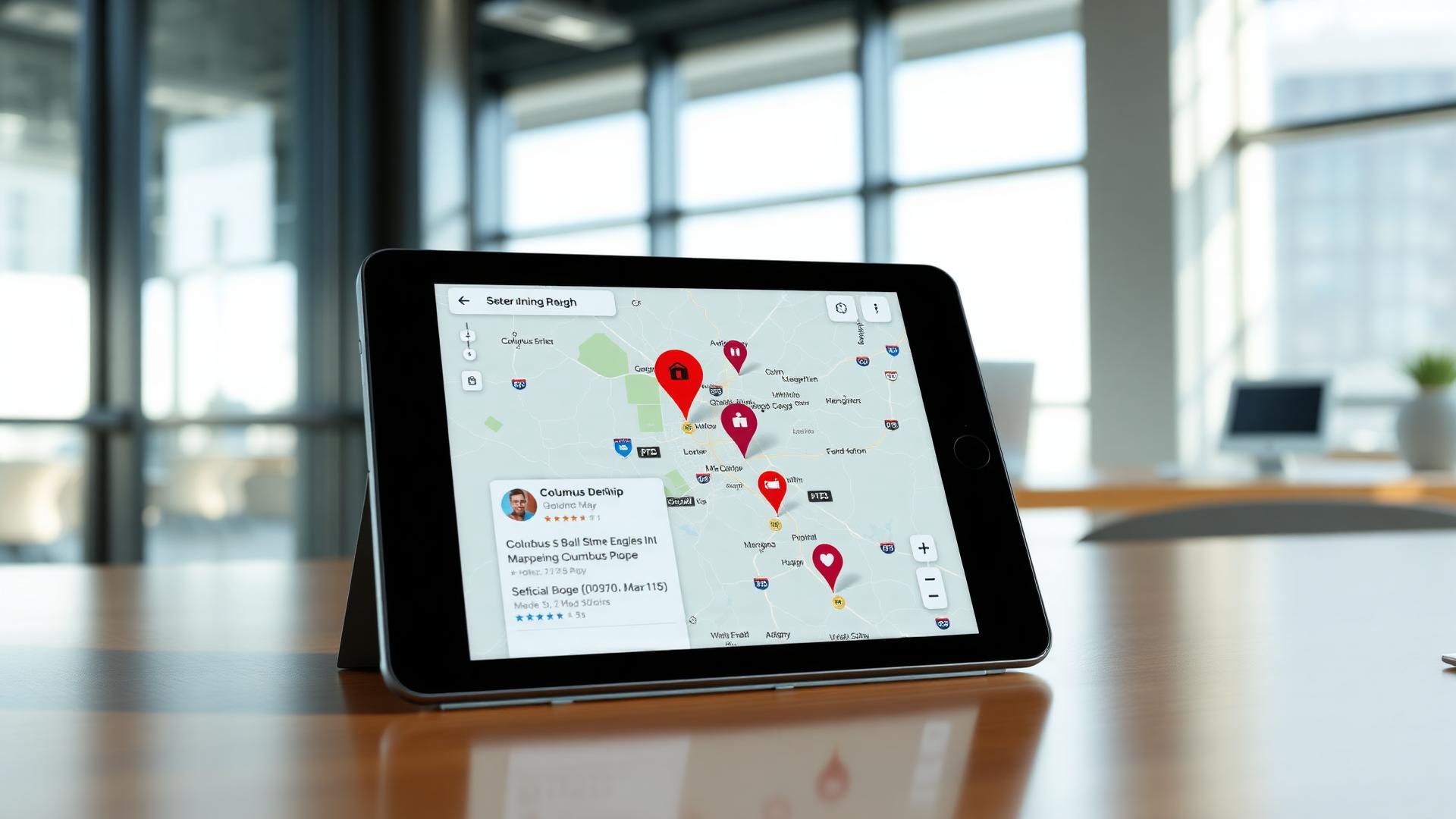
To show up in Google Maps in Columbus, a service business needs three things in order: a complete Google Business Profile, a steady flow of reviews, and a website that says plainly what you do and which towns you serve. Then your name, address and phone number need to match everywhere they appear online. That covers most of what you control.
I help Columbus and Central Ohio businesses with local SEO and Google Maps. Below is the checklist I'd work through for a roofer, a plumber, a lawn crew or a dental office. Nothing on it costs money to start, and you can do most of it yourself in an afternoon.
How Google picks who shows up in the map
Google's own guide to local ranking says map results come down to relevance, distance and prominence.
- Relevance is how well your profile and website match what someone searched.
- Distance is how far you are from the person searching, or from the place they typed in.
- Prominence is how well known you are: reviews, listings, links to your site and what people say about you.
You can't move your shop closer to every customer. You can make your profile complete, make your website clear and keep reviews coming in. That's where the checklist puts the work.
Checklist part one: your Google Business Profile
For most local service businesses, the profile is the first thing a customer sees. It shows in the map with your hours, photos, reviews and a call button. Go through it line by line.
- Pick the primary category that matches your main job, like roofing contractor or dentist, not a broad one like contractor.
- Add every service you offer, in the words a customer would use.
- Set your service area to the towns you actually drive to, like Dublin, Westerville, Gahanna or Grove City.
- Keep hours current, including holiday hours.
- Upload real photos of your trucks, your crew, your shop and finished work. Skip stock photos.
- Write a short description that says what you do and where, without a pile of keywords.
- Post an update now and then: a seasonal service, a new photo, a reminder about storm inspections.
If you work out of your home or only at customers' houses, Google lets you hide your street address and show a service area instead. Check the setting so your house isn't on the map by accident.
Checklist part two: reviews
Reviews do two jobs. They help decide whether a stranger calls you, and they count toward prominence. A steady trickle of recent reviews does more than a burst from a few years ago.
- Ask every happy customer, at the moment the job is done and they're pleased.
- Make it easy: send the direct review link from your profile by text or email, or print it as a QR code on a card.
- Reply to every review, good or bad, like a person. Mention the job in your thanks, and leave out anything private about the customer.
- Answer a bad review calmly, once, and offer to fix it offline.
- Don't buy reviews or offer anything in exchange for them. Google's rules forbid it and can pull the reviews or the profile.
A printed card handed over at the end of a job works well for crews. It can carry the QR code, your logo and a short thank-you. It's the same idea as the tear-off card on a door hanger.
Checklist part three: your website and listings
You can show up in the map with only a profile, but a clear website helps Google understand what you do and gives customers somewhere to land. Check these:
- A page for each main service, not one page that lists everything.
- The towns you serve, named on the pages where they matter.
- Your name, address and phone number in the footer, written exactly the way they appear on your profile.
- A phone number people can tap on a phone.
- Page titles that say the service and the place, like roof repair in Westerville.
Then look up your business on the big directories and listing sites. An old phone number on one site or a suite number that shows in one place and not another sends mixed signals. Fix the ones you find. If your site needs more than a few edits, my website design page covers what I build for local service businesses.
What to expect, and what to skip
Nobody honest can promise you the top spot in the map. Google decides, it changes how it ranks results, and your competitors are working on the same list. Anyone who promises page one by a certain date is guessing.
What steady work does is improve your odds. Fixing a broken profile or wrong listings can help sooner. Reviews and service pages build over months. Skip anything that sounds like a shortcut: fake addresses, keyword-stuffed business names and paid reviews can get a profile suspended.
The checklist looks a little different by trade. A roofer leans on storm-season photos and reviews that mention the neighborhood. A dental office leans on hours, insurance questions and the front window. See marketing for roofing companies and marketing for dental offices for the rest of what each one uses.
Get a second set of eyes on your listing
Work through the checklist above, then search for your main service and your town on your phone and see who shows up. If you're not there and you're not sure why, send me your business name and service area or call (614) 561-3358. I'll give you a plain-language look at where you stand and what I'd fix first, with a quote within 24 hours if you want help doing it.
Need this done?
Here's what I make for Columbus and Central Ohio businesses.